Table of Contents
Garbage in, garbage out. The age-old phrase. If you don’t clean up the data flowing in, the stuff coming out–reports, workflows, integrations–won’t be clean either.
Every workflow that you automate based on dirty data is a mistake that compounds. If the records feeding your automation are broken, the outputs will be too. Reports you show to your leadership team will be inaccurate and set the wrong expectations. Every integration you launch without first cleaning your CRM is technical debt disguised as progress.
This is the “Clean Before You Build” rule. And if your RevOps team isn’t living by it, you’re building on sand.
Why RevOps Teams Skip the Cleaning Step
Nobody gets excited about data hygiene. It’s not flashy. It doesn’t make it into the kickoff deck. The client wants workflows, dashboards, and automation. They want results, not a scrubbing session.
But here’s what happens when you skip it: a workflow fires on a contact with no owner, and the email sent out comes from no one. A sales report pulls from a field that 40% of your reps never fill in. An integration syncs bad data from HubSpot into Salesforce and now both systems are wrong, twice as fast.
The “build first, clean later” mindset doesn’t save time. It multiplies the mess.
What “Dirty Data” Actually Looks Like
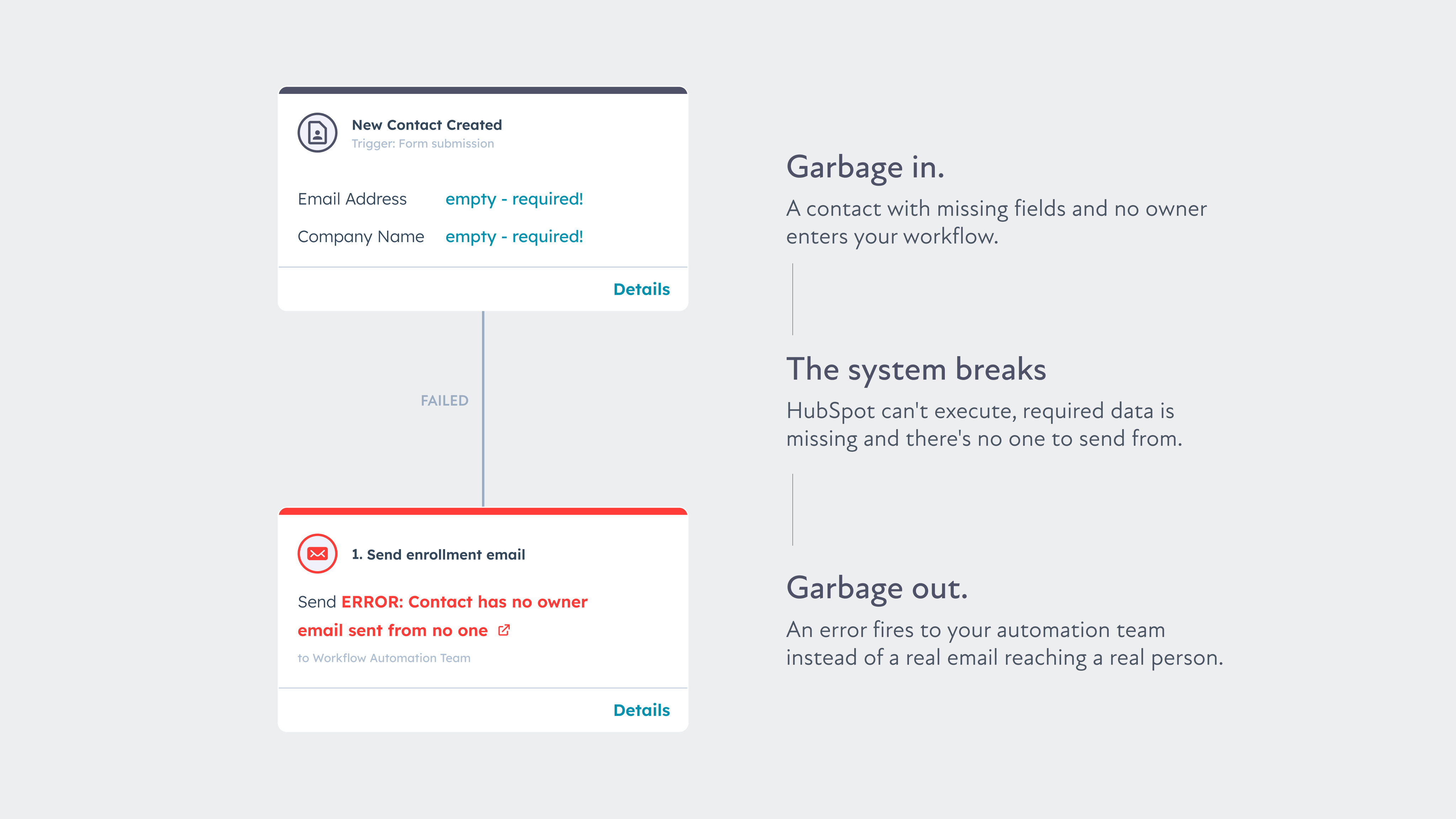
Dirty data isn’t always obvious. It’s not just missing phone numbers or misspelled company names. In a RevOps context, dirty data looks like this:
- Duplicate contacts and companies. Two records for the same person, neither complete, both enrolled in automation.
- Inconsistent lifecycle stages. Contacts sitting in “Lead” for 18 months with no activity because no one defined what moves them forward.
- Unmapped custom fields. Properties created by five different admins over three years, half of them unused, none of them documented.
- Blank required fields. Deal stages that don’t require the data your reports depend on.
- Broken ownership. Contacts and deals with no assigned rep, no assigned team, or an owner who left the company eight months ago.
Any one of these problems will corrupt the systems you build on top of them. Together, they make your CRM a source of noise, not a source of truth.
You can read more about how HubSpot recommends structuring clean data practices over at the HubSpot Marketing Blog.
The Pre-Build Hygiene Checklist
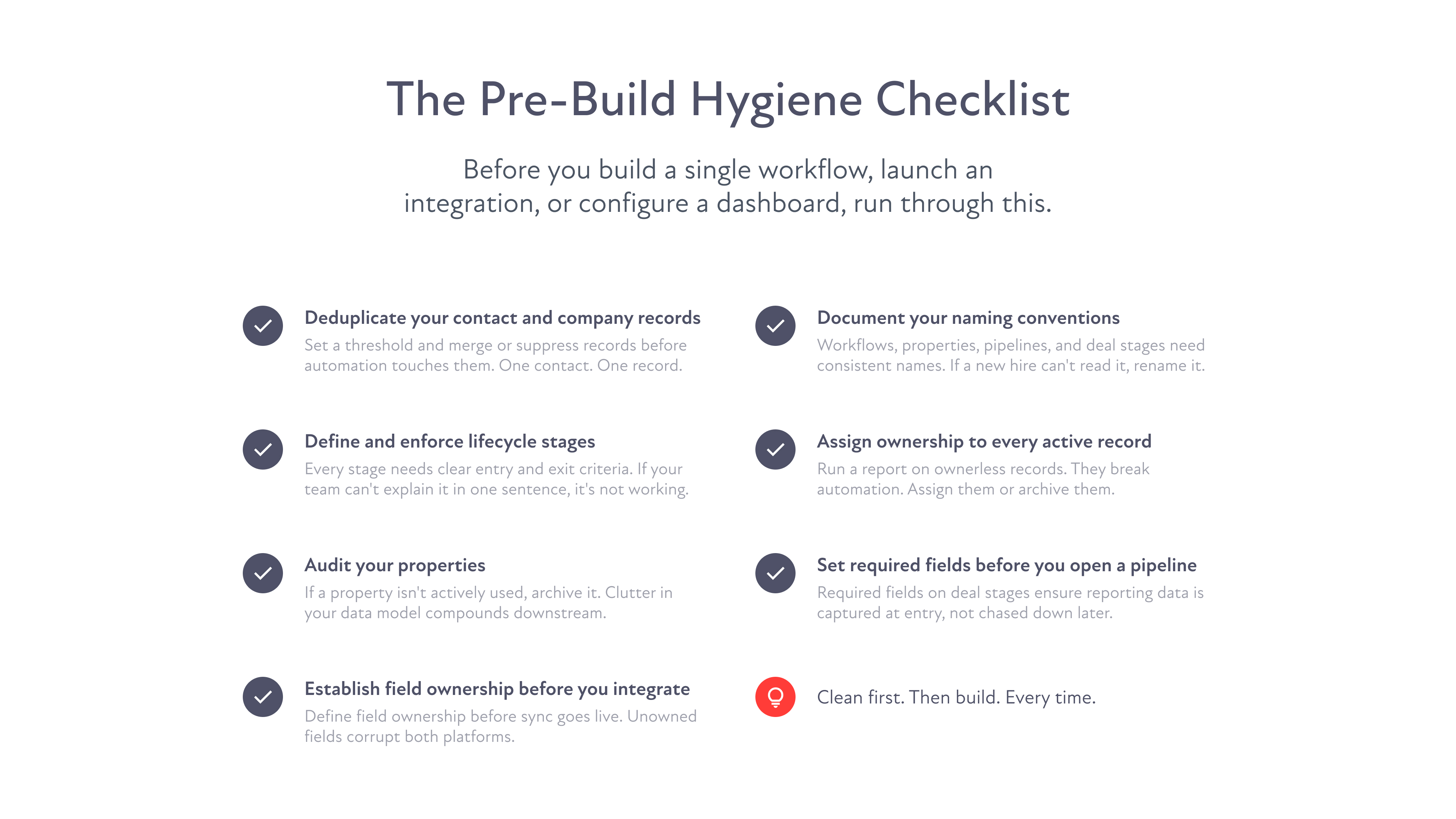
Before you build a single workflow, launch a single integration, or configure a single dashboard, run through this checklist.
- Deduplicate your contact and company records. Set a deduplication threshold and merge or suppress records before automation touches them. One contact. One record. One version of the truth.
- Define and enforce lifecycle stages. Every stage needs a clear entry and exit criteria. If your team can’t explain in one sentence what moves a contact from MQL to SQL, your lifecycle stages aren’t doing anything useful.
- Audit your properties. List every custom property in your CRM. If it’s not mapped to a report, a workflow, or a business process, archive it. Dead properties create confusion and inflate your data model.
- Establish field ownership before you integrate. If HubSpot and Salesforce are both in play, you need to decide which system owns which field before sync is turned on. Bidirectional sync on unowned fields is one of the fastest ways to corrupt both platforms simultaneously.
- Document your naming conventions. Workflows, properties, pipelines, and deal stages should all follow a consistent naming system. If someone new to your team can’t understand what a workflow does from its name alone, rename it.
- Assign ownership to every active record. Run a report on contacts and deals with no owner. Assign them or archive them. Ownerless records are invisible to your team and dangerous in automation.
- Set required fields before you open a pipeline. Required fields on deal stages mean the data you need for reporting is collected at the point of entry, not chased down afterward.
Building on Clean Data Changes Everything
When your data is clean, your outputs are clean and accurate. Your team can trust the system, and when people trust the system, they use it.
That’s the real payoff of the “Clean Before You Build” rule. It’s not just about data integrity. It’s about creating a CRM your revenue team actually relies on.
At ATAK, we’ve audited hundreds of CRM instances. The ones that are struggling aren’t struggling because of a bad workflow or a misconfigured integration. They’re struggling because the data underneath it all was never cleaned in the first place.
Clean first. Then build. Every time.
Ready to clean up your CRM before your next RevOps build? Let’s talk.
FAQs