When you're managing tens of thousands of open invoices, manual follow-up isn't just time-consuming. It's impossible to do well. Master Electronics needed a way to automate collections for smaller overdue invoices while maintaining control over high-value accounts.
This case study is for companies with high invoice volume, accounts payable teams drowning in manual follow-up work, or businesses using legacy ERP systems that lack modern user interfaces.
The Situation
Master Electronics had a massive volume of open invoices (close to 100,000 at any given time). Their accounting team was manually following up on overdue payments, which meant spending hours tracking down invoice numbers, PO numbers, amounts due, and the right contact person at each company.
Their ERP system (a custom built, in-house managed system) technically had all the data, but extracting it and working with it wasn't easy. The user interface was bare-bones. More command-line inputs than a visual dashboard. Finding all overdue invoices for a specific customer meant typing queries into a system built decades ago.
The team needed a better way to handle collections, especially for smaller invoices where the time spent on manual follow-up didn't justify the amount being collected.
They already had their ERP integrated with HubSpot for contact and account management. The question was: could they extend that integration to automate invoice follow-up without their team having to touch the old ERP interface?
The Solution
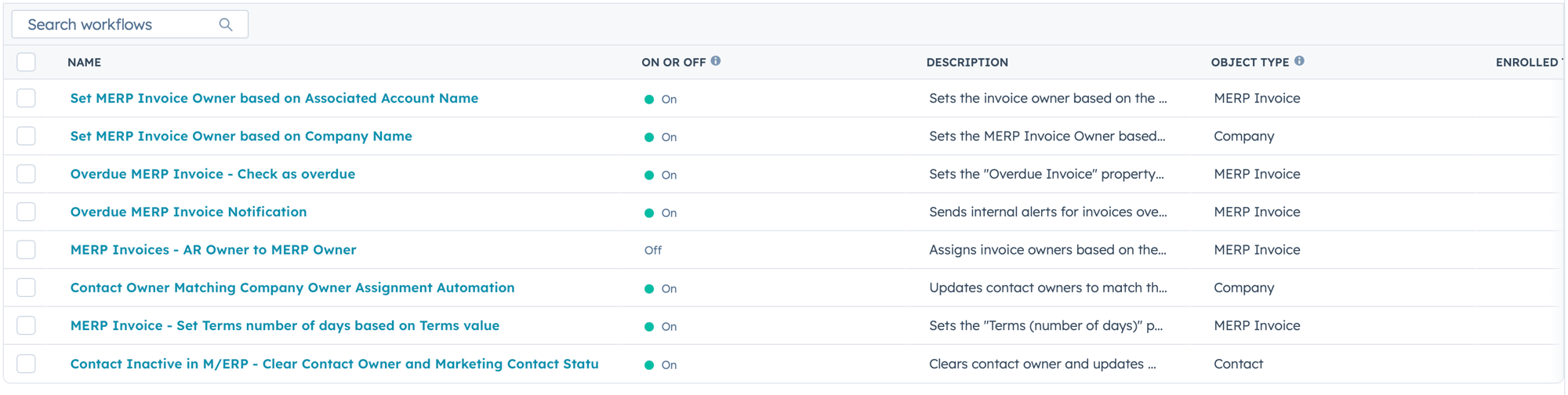
We built an automated invoice follow-up system that syncs overdue invoices from their ERP to HubSpot, then triggers personalized collection emails based on specific conditions.
The API optimization:
The ERP was already connected to HubSpot through an API, but syncing every field for every invoice every day was creating performance issues. The system couldn't keep up with the data volume.
We restructured the integration to only sync critical fields and moved calculations (like number of days overdue) to the HubSpot side. This reduced API load and kept data current without overwhelming the connection.
The automation logic:
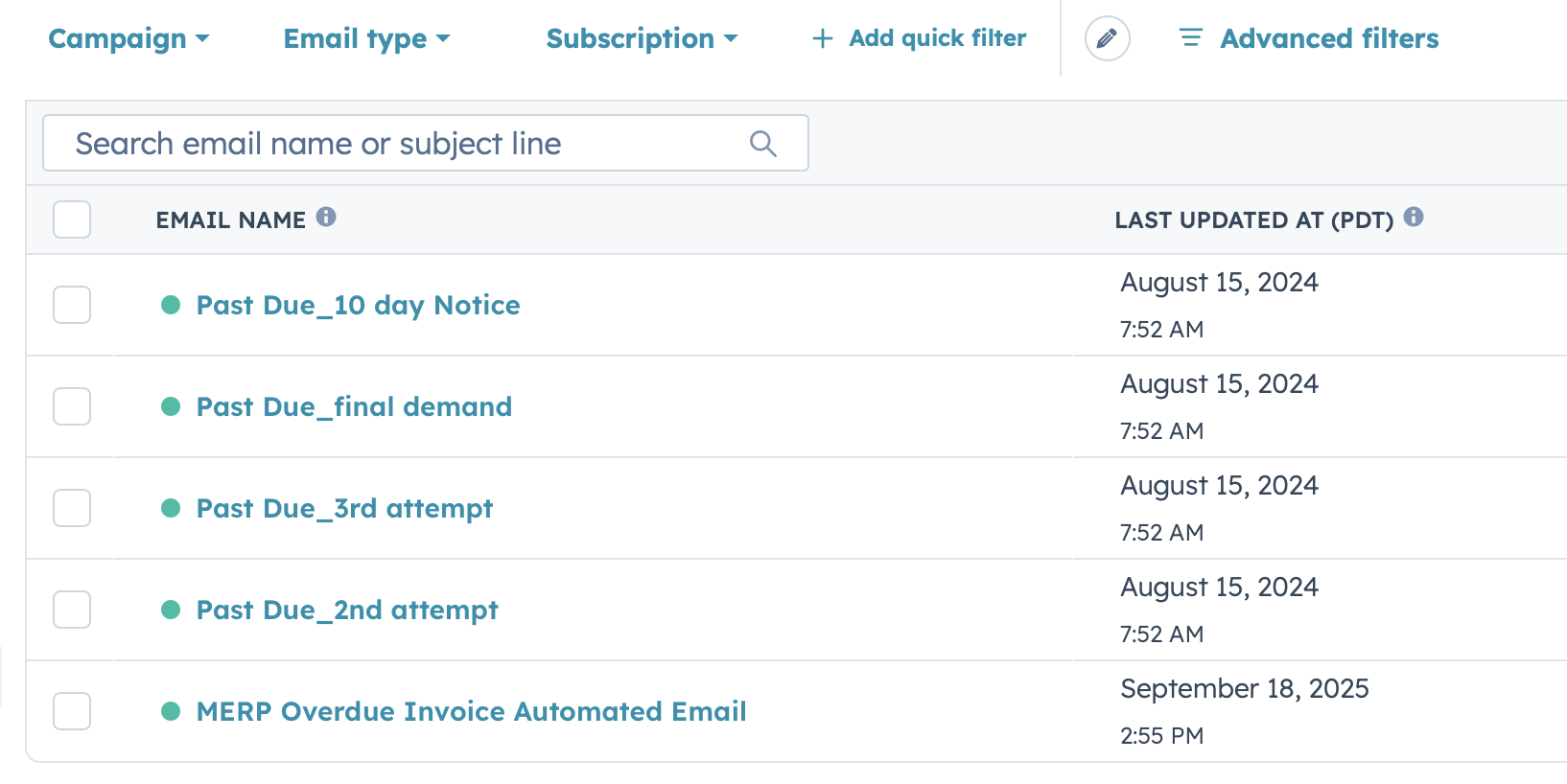
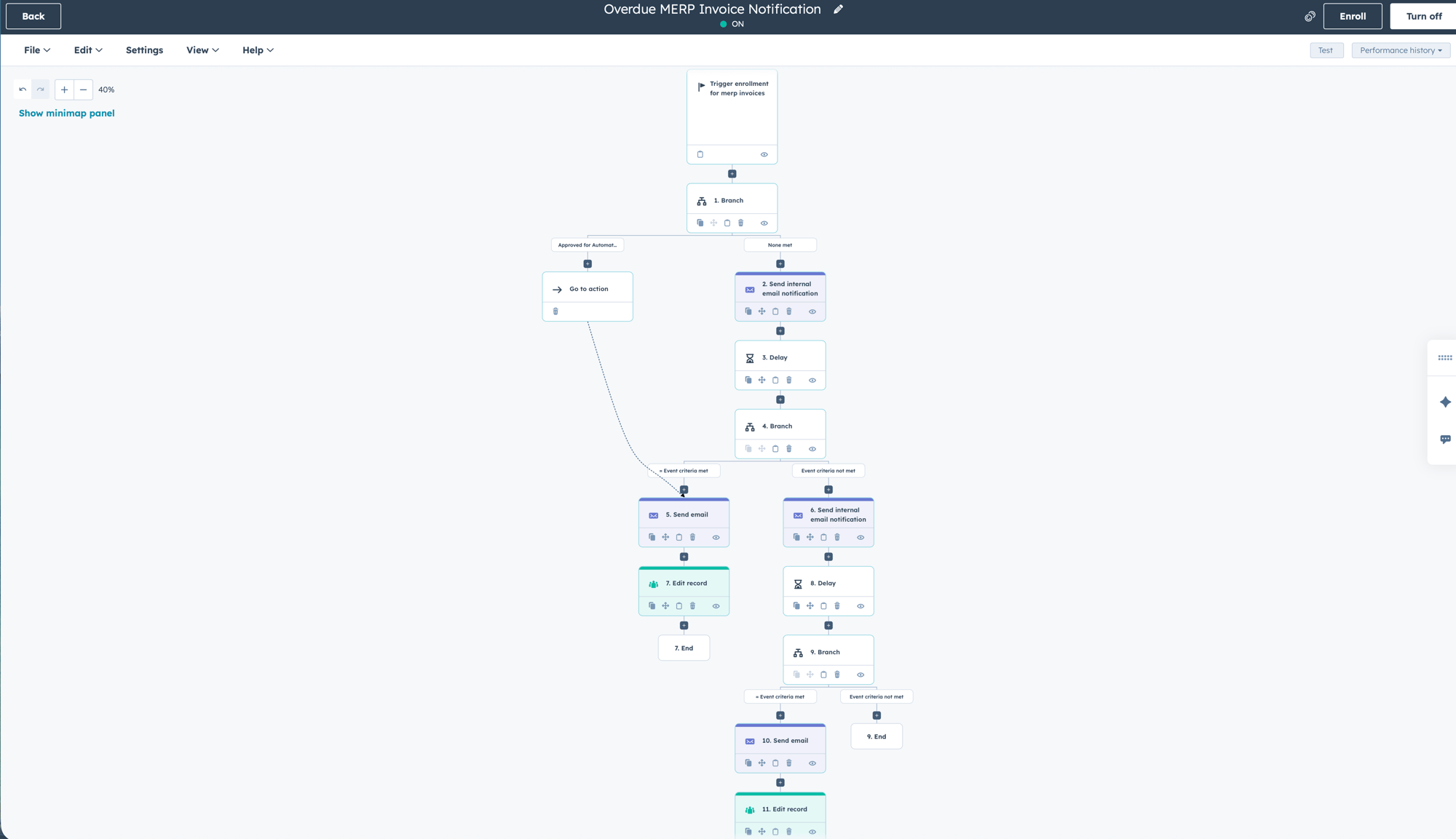
When an invoice becomes overdue and meets specific criteria (amount range, days past due, customer type), HubSpot creates an invoice record and sends an internal notification to the accounting team. They review the details and click "Send" to trigger the automated email.
The email includes invoice number, PO number, amount due, and (importantly) the total outstanding balance across all overdue invoices for that customer. So if one $500 invoice triggers the email, the customer also sees they have additional overdue invoices totaling more.
The transactional email layer:
We used HubSpot's transactional email add-on, which allows sending business-critical communications (like invoice reminders) without requiring marketing contacts or opt-in status. These emails can't be unsubscribed from because they're related to business transactions, not marketing. This keeps costs down and gets important messages to the right people.
The record management:
Invoice records automatically associate with the correct account and the designated accounts payable contact. When invoices get paid in the ERP, they're removed from HubSpot automatically. The system stays clean and only shows what matters: open, overdue invoices.
The Result
Master Electronics' accounting team now has a clear, modern interface for managing overdue invoices. Instead of querying their ERP to pull reports, they open HubSpot and see exactly which invoices are overdue, how long they've been overdue, and who needs to be contacted.
The manual work of drafting follow-up emails, looking up invoice details, and tracking down the right contact person has been eliminated. The system handles data collection, email composition, and sending. The accounting team just approves the automation.
Paid invoices automatically clear from HubSpot, so there's no clutter from historical data that doesn't need attention. The system stays focused on what matters: collecting outstanding payments.
Why this matters: Legacy ERP systems hold critical business data but often lack the user experience and automation capabilities modern teams need. Integrating that data into a platform like HubSpot creates a better working environment while preserving the investment in your core business system.
Companies dealing with high invoice volume, manual accounts receivable processes, or outdated system interfaces face the same challenge: good data trapped in systems that are hard to work with. The solution isn't replacing your ERP. It's extending it with automation and better UX.
Dealing with invoice follow-up chaos? Let's talk about automating your collections process.